Service status, Oyster, and travel info
Check line status across tube, rail, tram and river, view your Oyster balance, and find top-up locations.
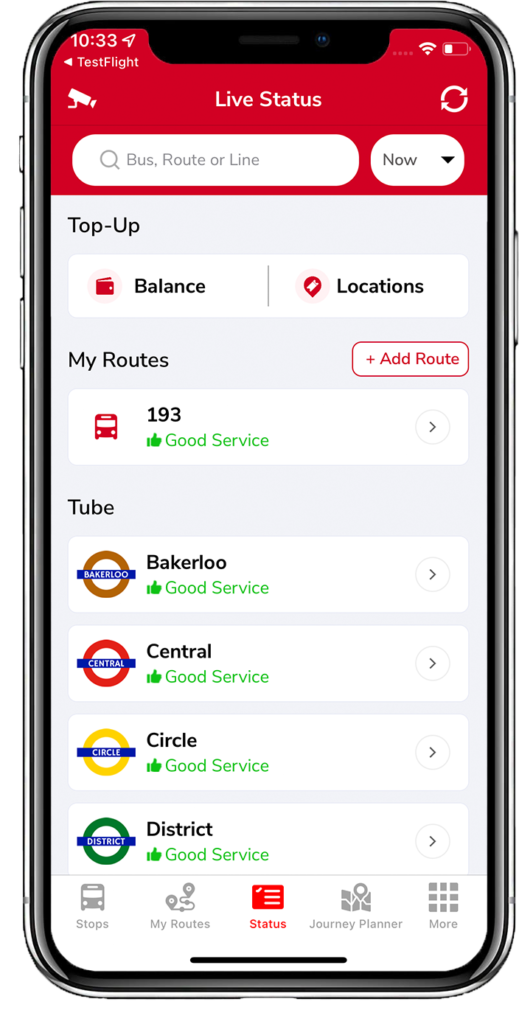
The Status tab shows current service status for your favourite routes plus tube, rail, tram, river, and other transport.
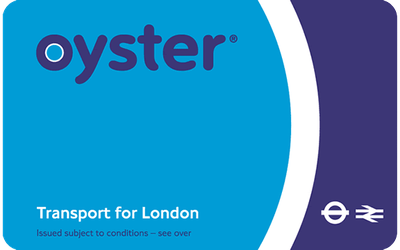
Oyster balance & top-up
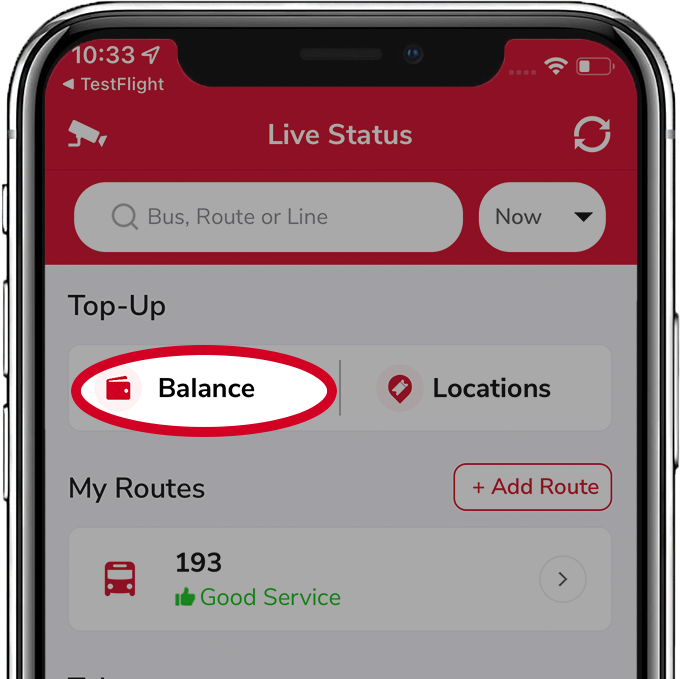
- Balance — opens a TfL page where you can log in and view your Oyster balance.
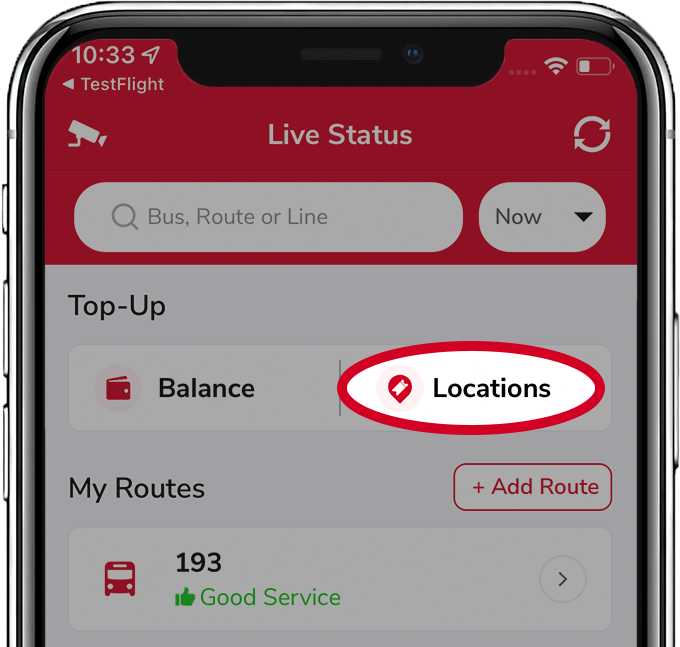
- Top-up locations — tap Location to see nearby Oyster top-up points with addresses. Tap one for a close-up, or use the arrow to navigate there.
My Routes status
Service information for any routes in your My Routes. Add more with  + Add Routes.
Scroll down for status on tube lines, trains, trams, river buses, and more. Each line shows Good service, or Minor / Severe delays when there are issues.
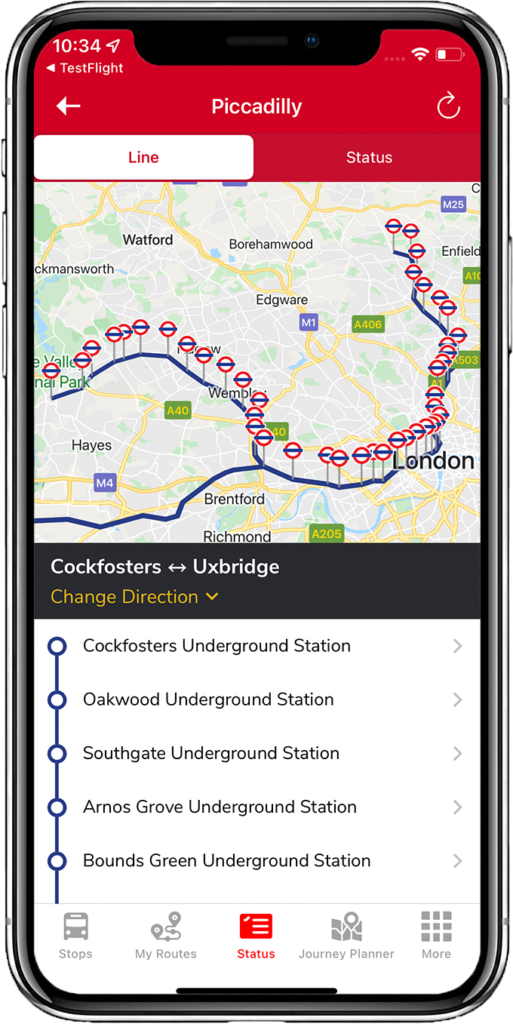
Tap a line (e.g. Piccadilly) to open Line and Status tabs:
- Line — the stops on that line. Use the change direction arrow to switch direction and tap a stop for upcoming arrivals.
- Status — the detailed service report for that line.
Related articles
Finding stops, search, and favourites
Use the Stops tab to find nearby stops, search by place or bus number, and save favourites.
My Routes — saving and ordering favourite stops
Save the stops you use most, reorder them, and switch between combined or individual bus times.
Planning a journey
Plan A-to-B journeys, set home and work, filter by accessibility, and see a step-by-step breakdown.
The More tab — settings & extra features
Region, Santander Cycles, traffic cams, Track my Bus, Tube Map, night mode, and all the display settings.
Didn’t answer your question?
Contact support