Issues with TfL staff or service
Feedback about a bus, driver, or TfL service goes to TfL directly — here's how, and what to include.
Bus Times shows live data but doesn't run the buses — feedback about TfL's service or staff goes to TfL directly.
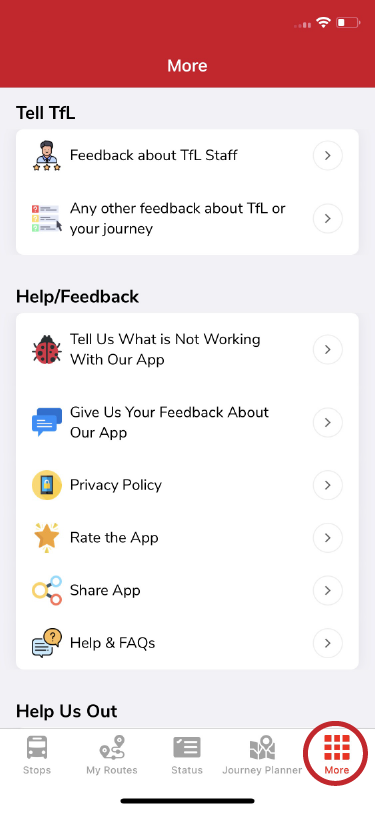
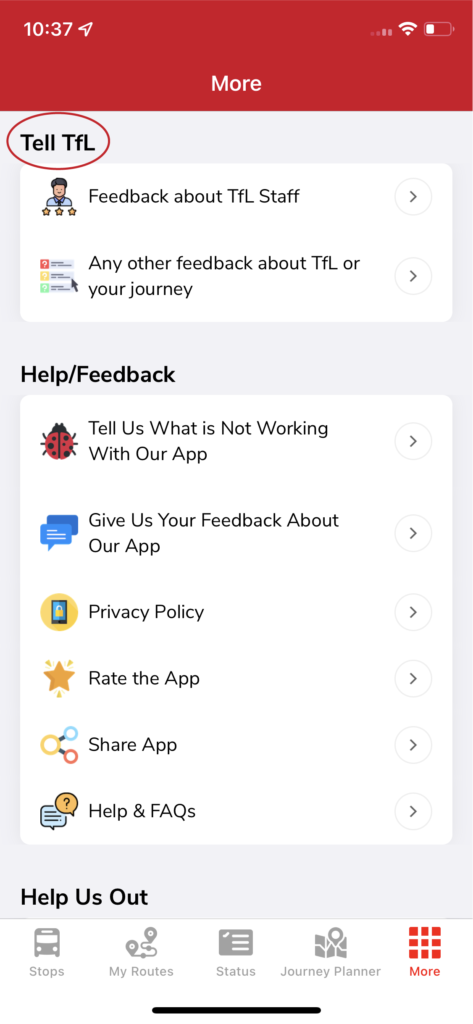
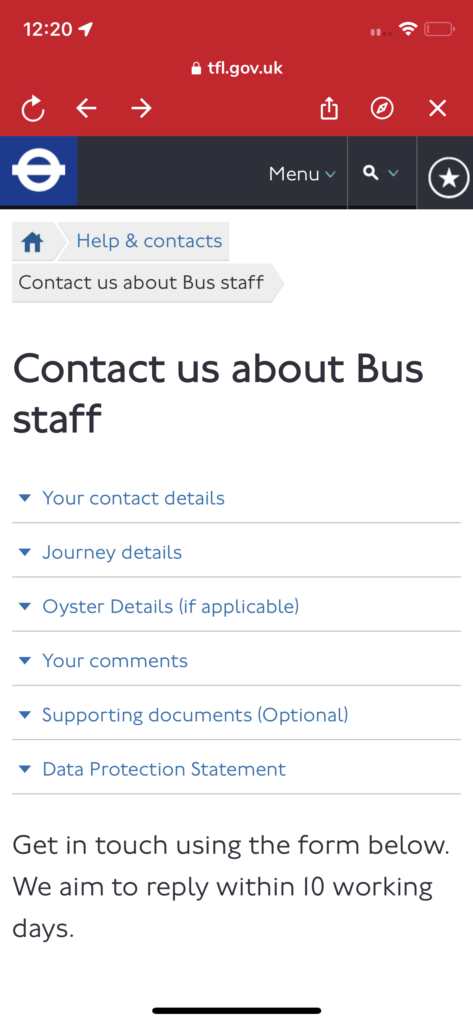
In the app, go to More → Tell TfL. You'll land on a form on TfL's website to enter your details and journey information.
What to include
So the right bus or staff member can be identified, note as much as you can:
- bus stop name
- bus number
- bus registration (shown in the app on the Stops page)
- date and time
- any staff names, if known
For wrong data in the app itself (not a service complaint), see Reporting incorrect information.
Related articles
Didn’t answer your question?
Contact support