Track & Remind notifications aren't showing
If departure notifications don't appear, enable notifications for Bus Times in your device settings.
The Track & Remind feature notifies you about your bus. If notifications aren't appearing, the app likely doesn't have notification permission.
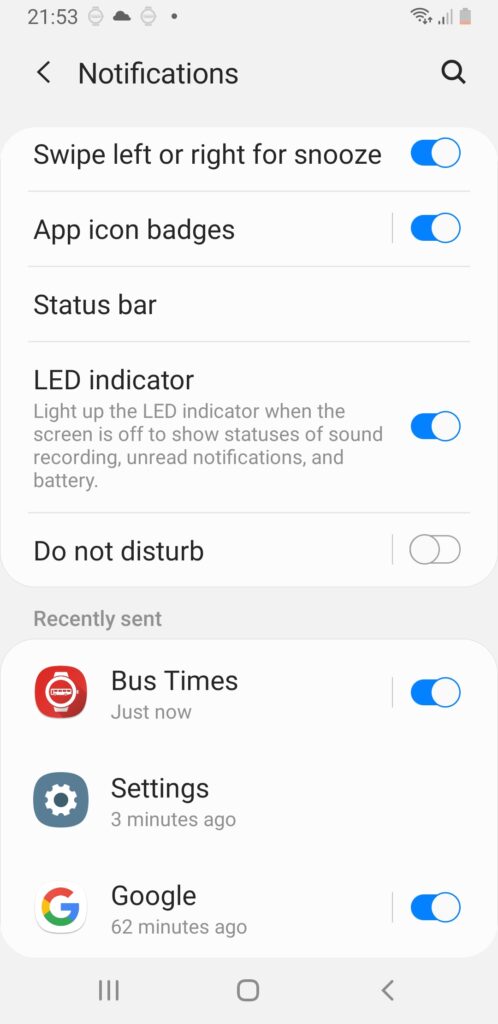
Android
Go to your Android Settings → Notifications and enable Bus Times.
iPhone & iPad
Go to Settings → Notifications → Bus Times and turn on Allow Notifications. Make sure Lock Screen, Notification Centre, and Banners are enabled so you don't miss an alert.
After enabling, reopen Bus Times and set up Track & Remind again. Still nothing? See If the app won't open or behaves oddly or Contact us.
Didn’t answer your question?
Contact support