Personal data & ad preferences
Where to find your data terms and how to manage ad consent inside the app.
You control how your data is used for advertising, right inside the app.
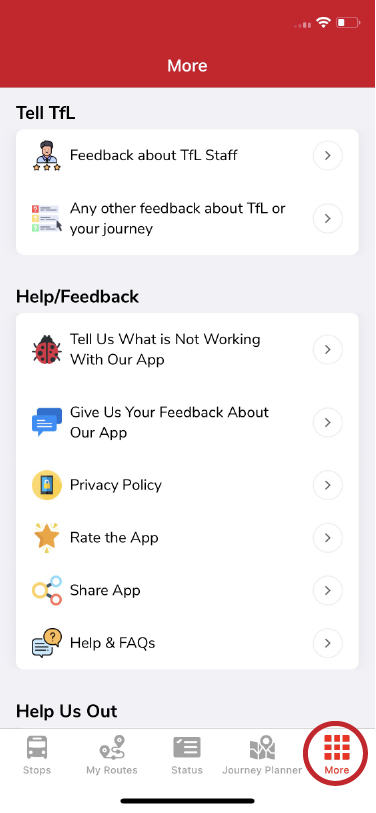
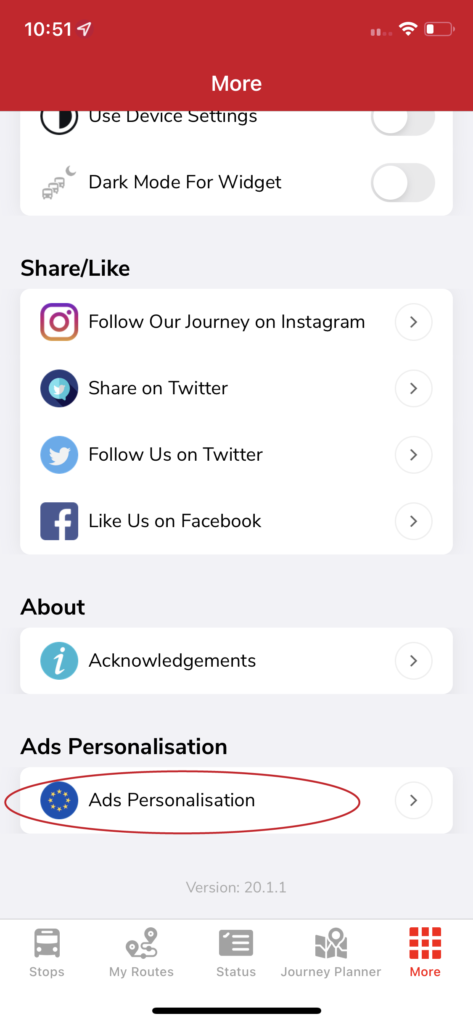
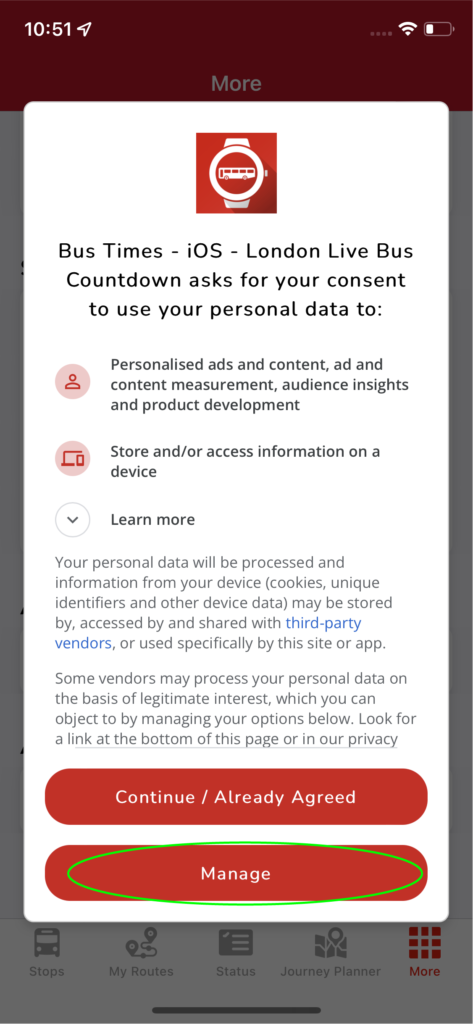
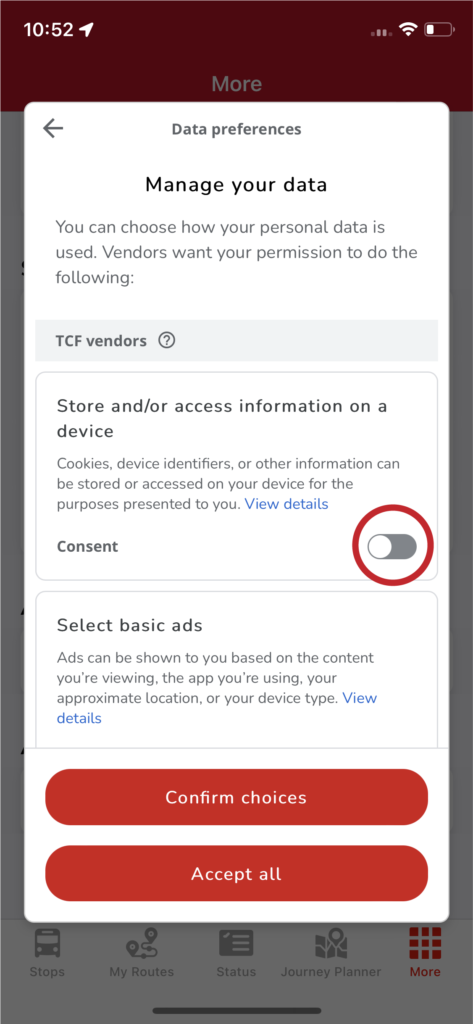
Go to the More tab and scroll to Ads Personalisation. There you'll find the terms covering your data and toggles to manage each preference:
- A red toggle means you consent.
- A grey toggle means you decline.
Learn more
- Our plain-English summary of what we collect and share: Your data, explained.
- The full legal detail: Privacy Policy.
- To request a copy of your data or its deletion: Your data & data requests.
Related articles
Didn’t answer your question?
Contact support